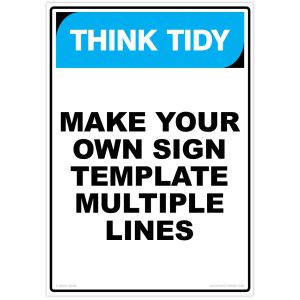
Facility Sign Template – Portrait Word Template
$25.00
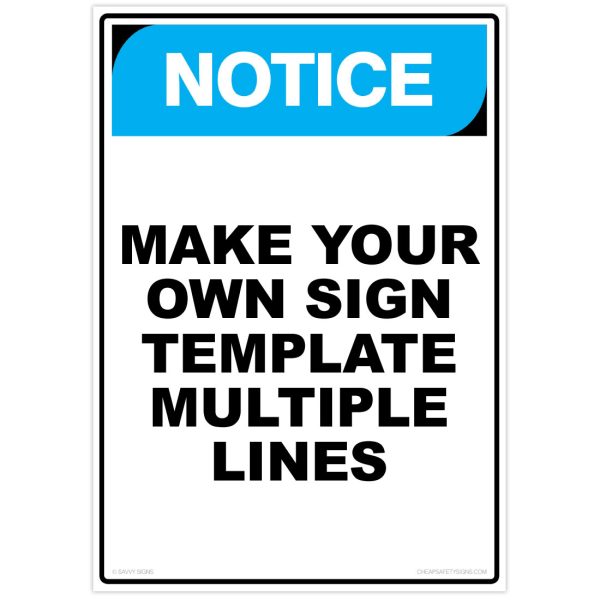
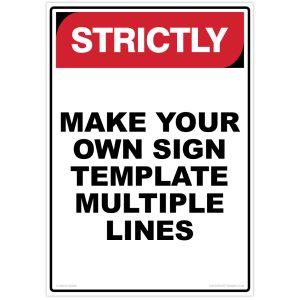
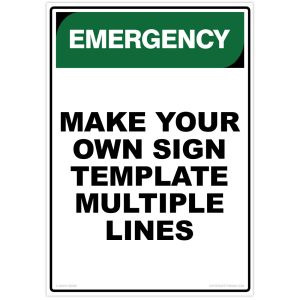
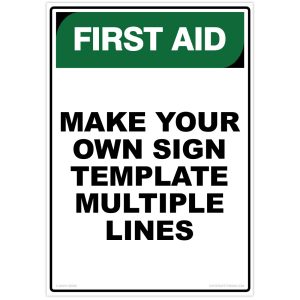
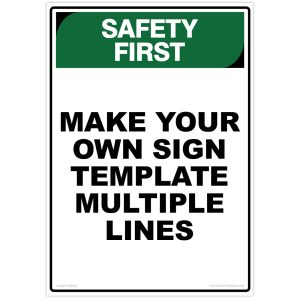
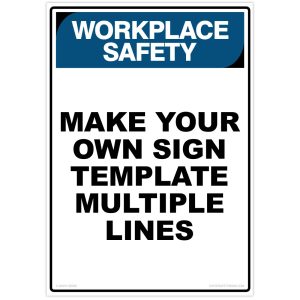
Create your own facility and workplace signs with 7 editable Microsoft Word templates. Choose from seven different portrait header layouts, customise the wording and print your completed signs whenever you need them.
$25 digital template pack. No physical sign supplied.
Digital Download
No physical sign will be posted. Download your digital file after purchase and print when required.
Facility Sign Template for Microsoft Word
Create your own professional facility and workplace signs with this editable Microsoft Word template pack.
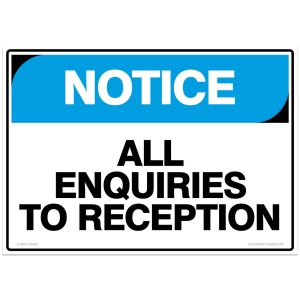
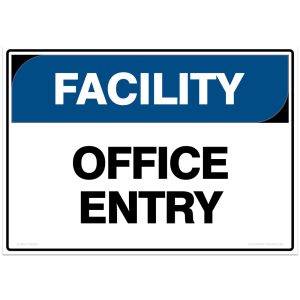
Designed for businesses, facilities, workplaces and public environments, this template pack provides 7 different portrait layouts, each with a different header style. Choose the layout that best suits your notice, add your own wording and create a professional sign for your workplace.
These templates are ideal when you need a specific facility or notice sign that is not already available as a ready-made Savvy Signs product.
What You Receive
Your $25 purchase includes 7 editable Microsoft Word templates, each featuring a different header design.
You can:
- Choose from 7 different header layouts
- Add your own wording and information
- Edit the templates in Microsoft Word
- Save your completed sign
- Print as many copies as you need
The portrait templates are suitable for standard A3 printing.
Ideal For
These templates can be used to create customised signs for:
- Workplace facilities
- Offices
- Departments
- Rooms and designated areas
- Commercial premises
- Schools and education facilities
- Public buildings
- Staff and service areas
Template Setup
The templates are supplied in portrait orientation and are designed for A3 printing:
297mm wide × 420mm high
You can print your completed signs in-house or use a commercial printer.
Please Note
This is a digital Microsoft Word template pack only. No physical signs will be supplied.
For ready-made signage, browse our range of Facility Signs, Notice Signs and Workplace Safety Signs.
Facility Sign Template - Portrait Word Template Helps visitors, staff and contractors identify a facility, room, service or site instruction.
Where to use it
Display the sign in the relevant workplace, facility or access area where the message applies. It may suit small businesses, commercial premises, community facilities and other sites where clear visual information is useful.
Recommended placement
Position the sign near the relevant doorway, equipment, hazard or decision point, at a visible height and where it can be read before people enter or act. Keep it unobstructed and use a size appropriate to the viewing distance.
Good practice
Check that the message suits the actual site conditions and supports your workplace procedures. Signage is one part of a broader safety approach and should not replace risk assessment, training or any applicable legal requirements.
Digital Product
This is a digital product. No physical sign will be supplied.
What you receive
A digital download for Facility Sign Template - Portrait Word Template. No printed sign or physical item is posted.
File and printing information
The supplied template file(s) are identified in the download details on this product. SKU: SSFAC3122. Print at the intended page size and select actual size or 100% scale where available. Check page orientation and preview the artwork before printing.
Download and use
Download the file after purchase and save a backup copy. Print using a suitable colour printer and paper or sign material for your location. For longer service life, consider a protective sleeve or lamination where appropriate.
Before displaying
Check the printed sign for legibility, colour and correct sizing. Choose a secure, suitable mounting method for the surface and environment. Confirm the wording and placement are appropriate for your site and any applicable requirements.
| Orientation | Portrait |
|---|---|
| Size | A3 |
| Quality |